How To Use Nokia’s Sports Tracker as a Photo Tracker
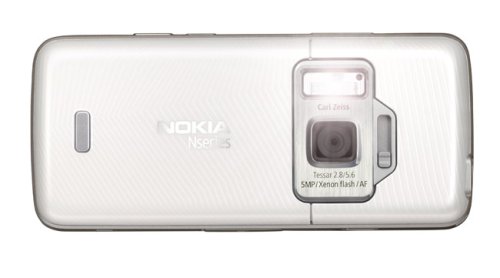 Ms. Jen was part of Nokia’s Urbanista Diaries Relay, which means they sent her to India to promote the Nokia N82 in all its glory. While on the trip, she realized how well the Sports Tracker (a typically exercise related feature) could be used to track the geo-locations of your photos:
Here are her directions:
- Turn on Sports Tracker. Start a “workout”. Make sure the GPS signal is strong.
- Start going around on the adventures and take photos. Go lots of new places, take photos, make sure the GPS signal remains strong.
- Stop the Sports Tracker “workout”. Click on “upload to service”. Sports Tracker will find the photos associated with the “workout” route and send them to the ST server with the GPS data and athletic data.
- The Urbanista Diaries flash app then pulls the photos, geo & route data feed to create a photo map and the slideshow that you can watch on the site.
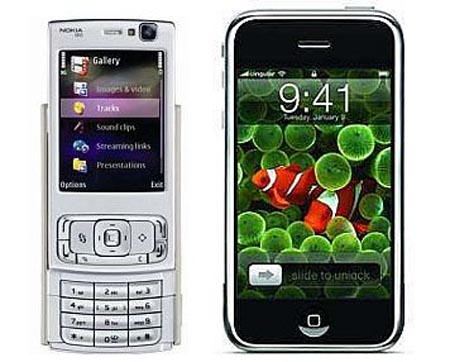
I haven’t used the Nokia phones, but they seem to be the favorites of the technorati. With features like live streaming of video, Sport Tracker and other GPS related ideas, Nokia has some great ideas.

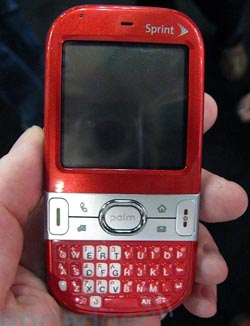 Centro is the first smart thing Palm has done for years. By pricing it at $99, they have cornered the market on entry-level smartphones. Instead of trying to compete with the iPhone, Palm is carving out a niche of their own, undercutting the iPhone and out-buttoning the Blackberry Pearl.
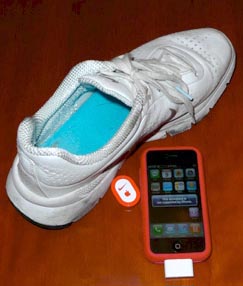 I have been watching the third party applications eagerly for anyone to create a Nike+ app for my iPhone. It has been the one thing that I have wanted on my iPhone since before it was available.